How to redact your first document
From choosing a file to downloading a separate redacted copy.
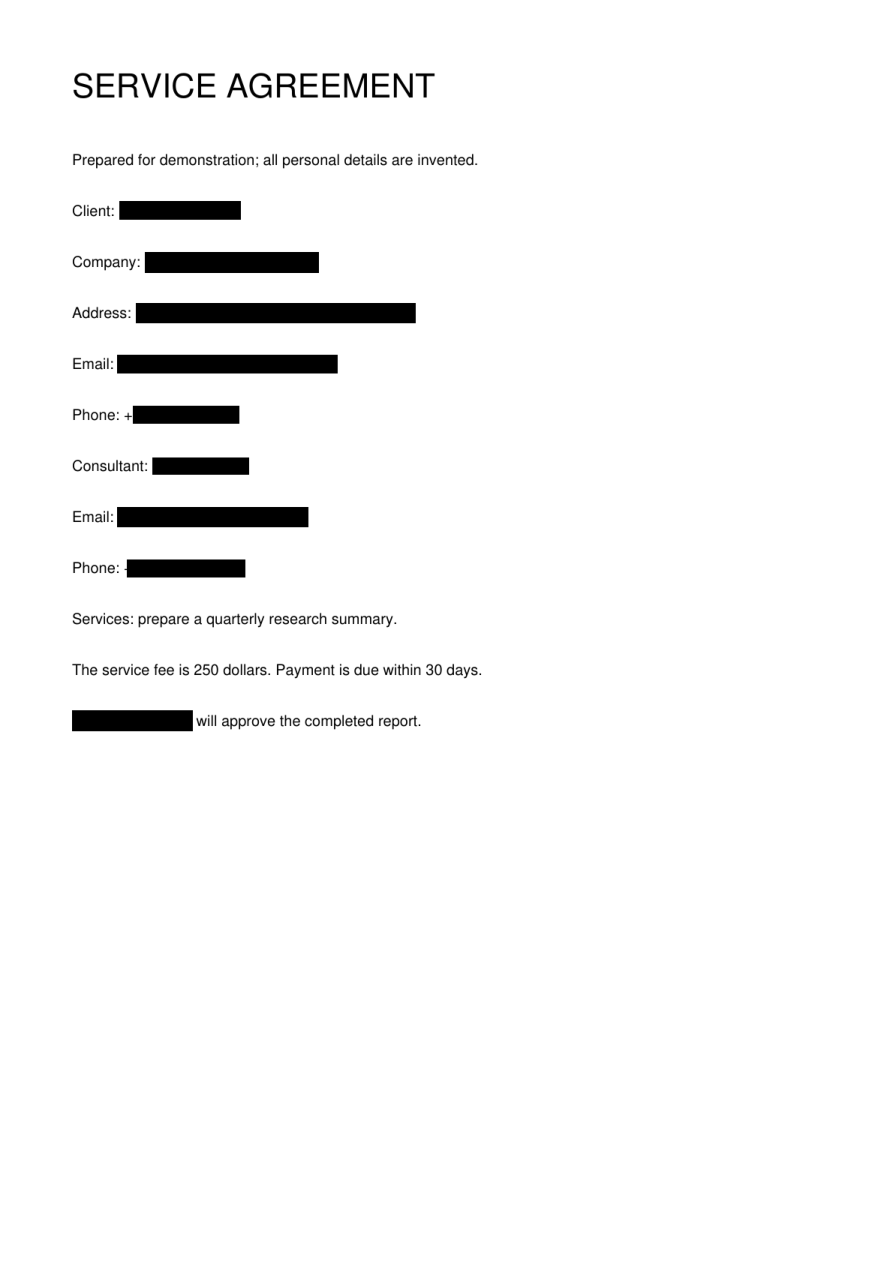
Start with the copy you want to share
A redacted copy is made for a recipient and a purpose. Decide whether someone needs to read the document visually, or whether software needs useful text. Keep your original file separately. The current trial uses HTTP, so begin with the built-in fictional sample or another non-confidential file.
Upload a supported format
Choose PDF, DOCX, XLSX, TXT or Markdown, up to 20 MiB. PDF files may contain scans and can have up to 100 pages. Unlock an encrypted file before uploading it. Legacy DOC and XLS files need to be saved as DOCX or XLSX first. Changing a filename extension alone does not convert a document.
Choose the replacement style
Blackout is a natural starting point for a copy meant to be read by another person. Placeholders keep references in the text readable for analysis or discussion. Choose the style before starting, then submit the file once. Progress tells you whether the task is queued or processing; a long scan can take longer than a short text file.
Download and check the actual result
Wait for the ready message, then download the result using the same browser session. Open the downloaded file and check the pages or sheets relevant to the recipient. Automatic recognition can miss details, particularly handwriting. Save the result you need before the retention window ends: completed task data are normally cleaned up after 24 hours.
Before you move on
- Keep the original separately.
- Choose a mode before submitting.
- Wait for completion, then download.
- Check the downloaded copy, not just the preview.