Redact documents before sending them to AI
A practical boundary between your original material and the next model call.
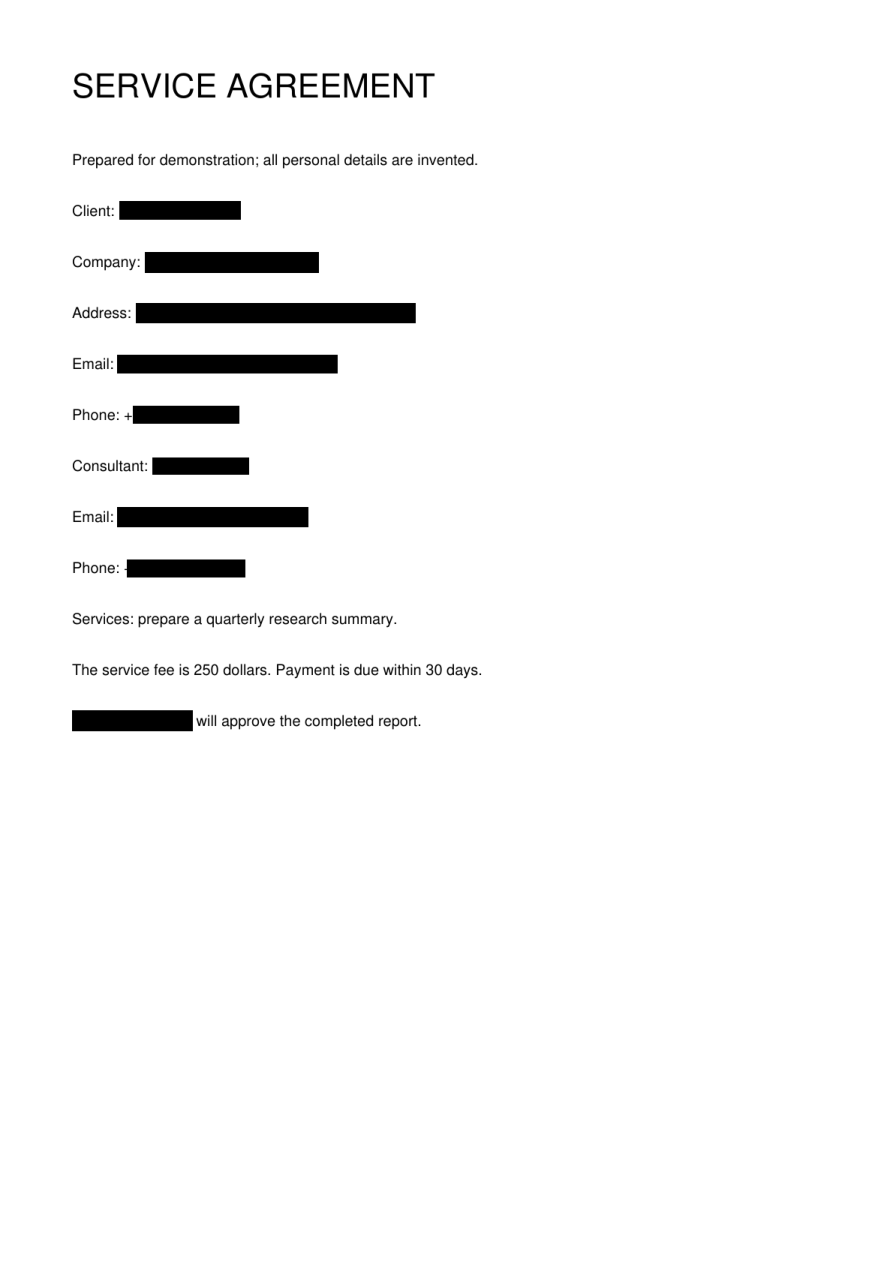
Decide what the next tool needs
A summarizer may need the argument in a document without needing the original names or contact details. Begin by choosing the smallest useful input for that task. RedactTool produces a separate processed file; it does not automatically forward your original or output to another AI service. You control that later step.
Use a text-friendly output
For text-based downstream tools, TXT, Markdown and DOCX placeholders are useful starting points. Labels let a reader follow references within the same task without using the original value. The current service does not provide a restoration map or guarantee the same label for the same person across separate tasks. Do not build identity joins around those labels.
Place the boundary after completion
In an automated flow, upload the file, create the redaction job and wait until its status is completed. Download with the owning credentials, then pass that result to the next component. If a job fails or the connection is lost, do not fall back to sending the original document just to keep the workflow moving.
Check context as well as direct identifiers
Removing names does not necessarily remove every clue about a person or matter. A distinctive event, unusual job title or combination of facts can still be revealing. Confirm that the processed text is appropriate for the destination. API and MCP access use the same processing capability; keep keys on your server and out of prompts.
Before you move on
- Choose only the material the next task needs.
- Wait for completed before forwarding.
- Never substitute the original after a failure.
- Check contextual identity clues.