Build a reliable redaction API workflow
Upload, create a job, poll and download without duplicating work.
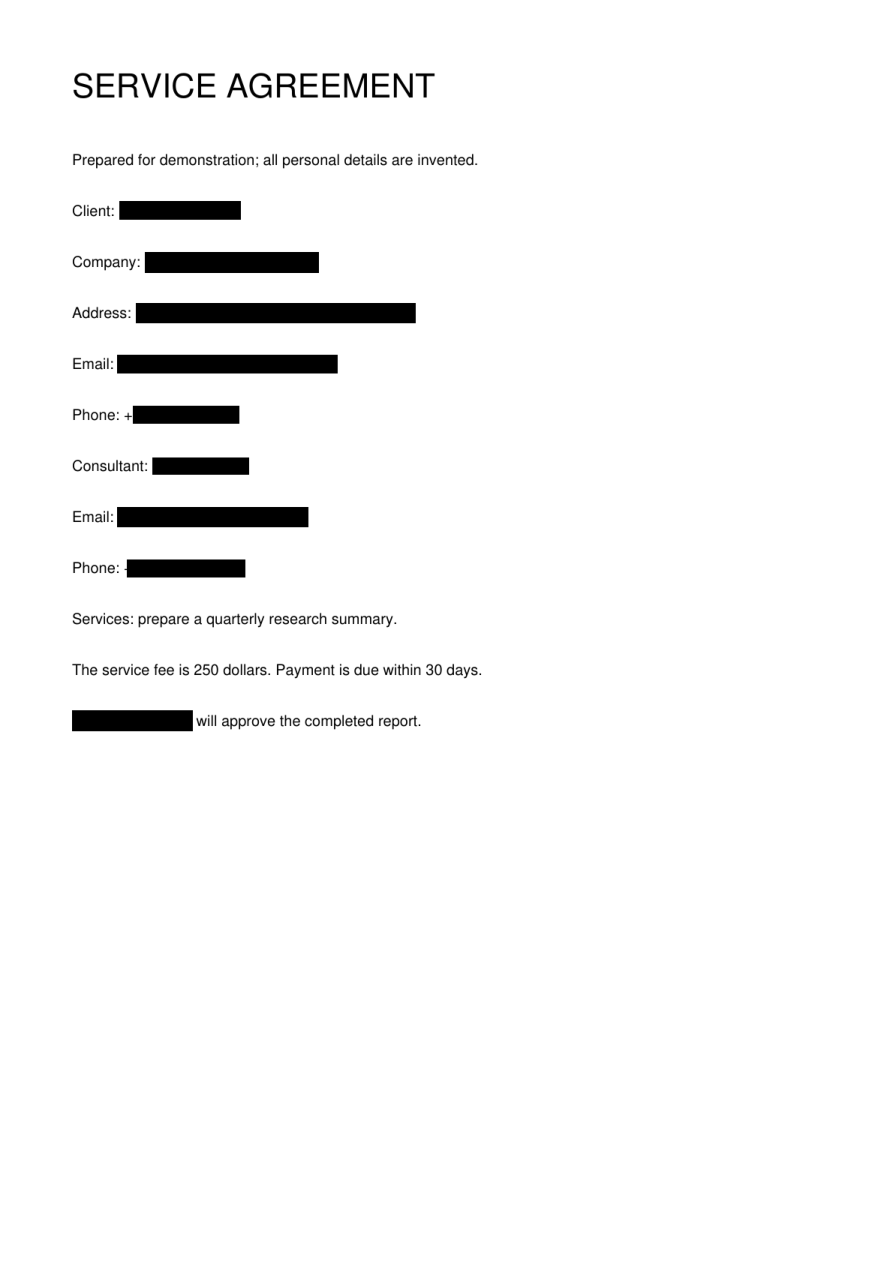
Upload and persist the identifiers
Use a server-side Bearer key to upload bytes through POST /v1/files. Save the returned file_id. Create a job through POST /v1/redactions with the chosen mode and an Idempotency-Key. Persist the file ID, job ID and creation key together so a connection failure does not leave your application guessing what it submitted.
Retry the operation, not the whole workflow
If the creation response is lost, use the same file, mode and idempotency key to recover the same request. Do not generate a fresh key on every retry. State reads can use bounded retries and backoff for temporary connection problems. For 429, pause and respect the service capacity instead of rapidly creating additional jobs.
Separate HTTP success from task success
An HTTP 200 status response can describe a failed job. Inspect the task status and error fields. Continue polling queued or running tasks; download only after completed. A local waiting deadline does not cancel remote processing. Retain the job ID so polling can resume, and keep the original out of any automatic fallback path.
Download with the owning credentials
The result URL is protected. Download with the same owner’s credentials and store the result before the retention window expires. Trial keys are session-bound and last up to 24 hours. MCP clients first upload bytes through REST, then use redact_file and get_result. The quickstart contains a runnable Python example and the API reference lists the error contract.
Before you move on
- Persist file ID, job ID and idempotency key.
- Use bounded polling and backoff.
- Check task status, not HTTP status alone.
- Keep credentials out of frontend code.